Terrain Parallax Unblurred – TPU v1
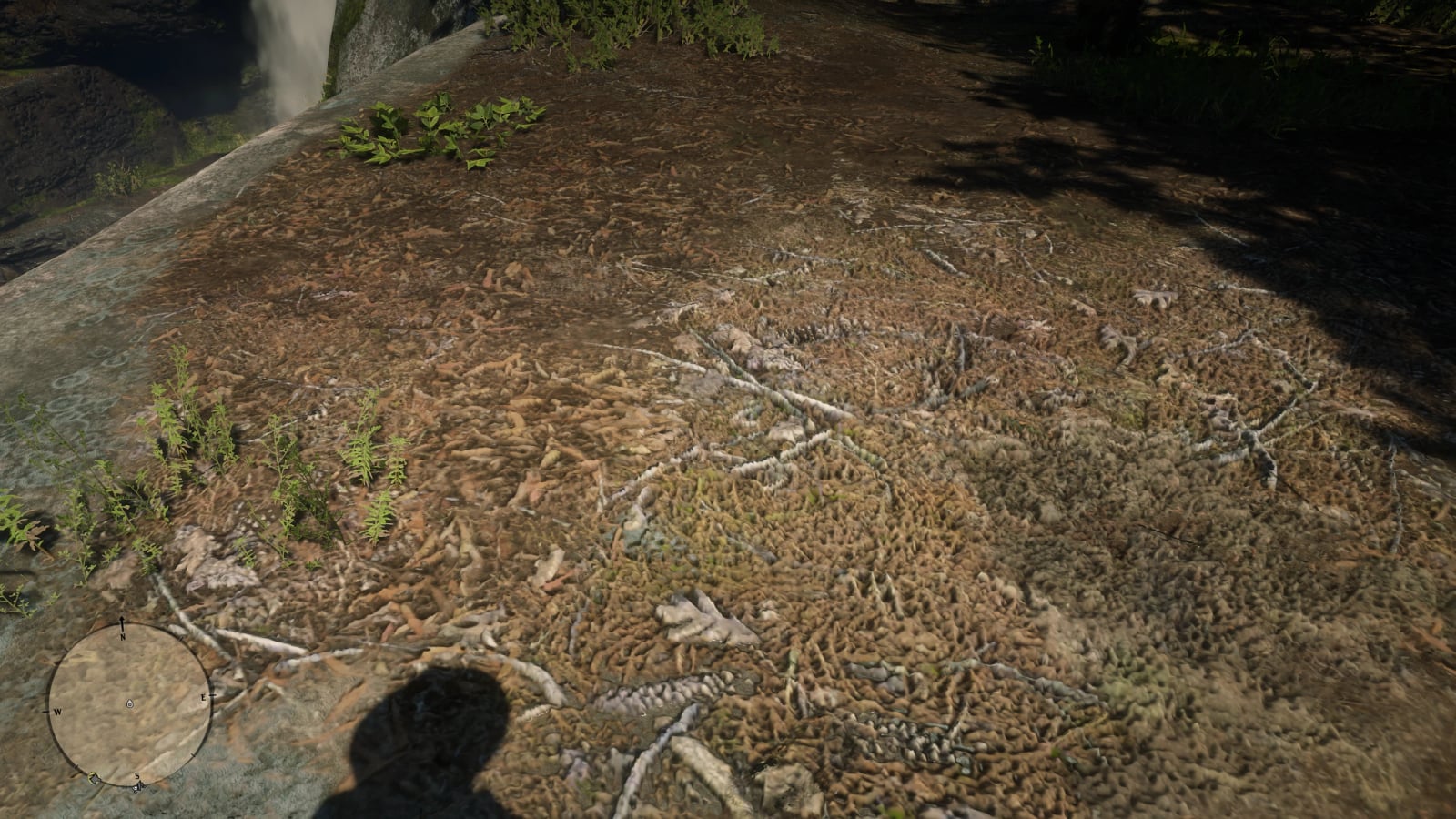
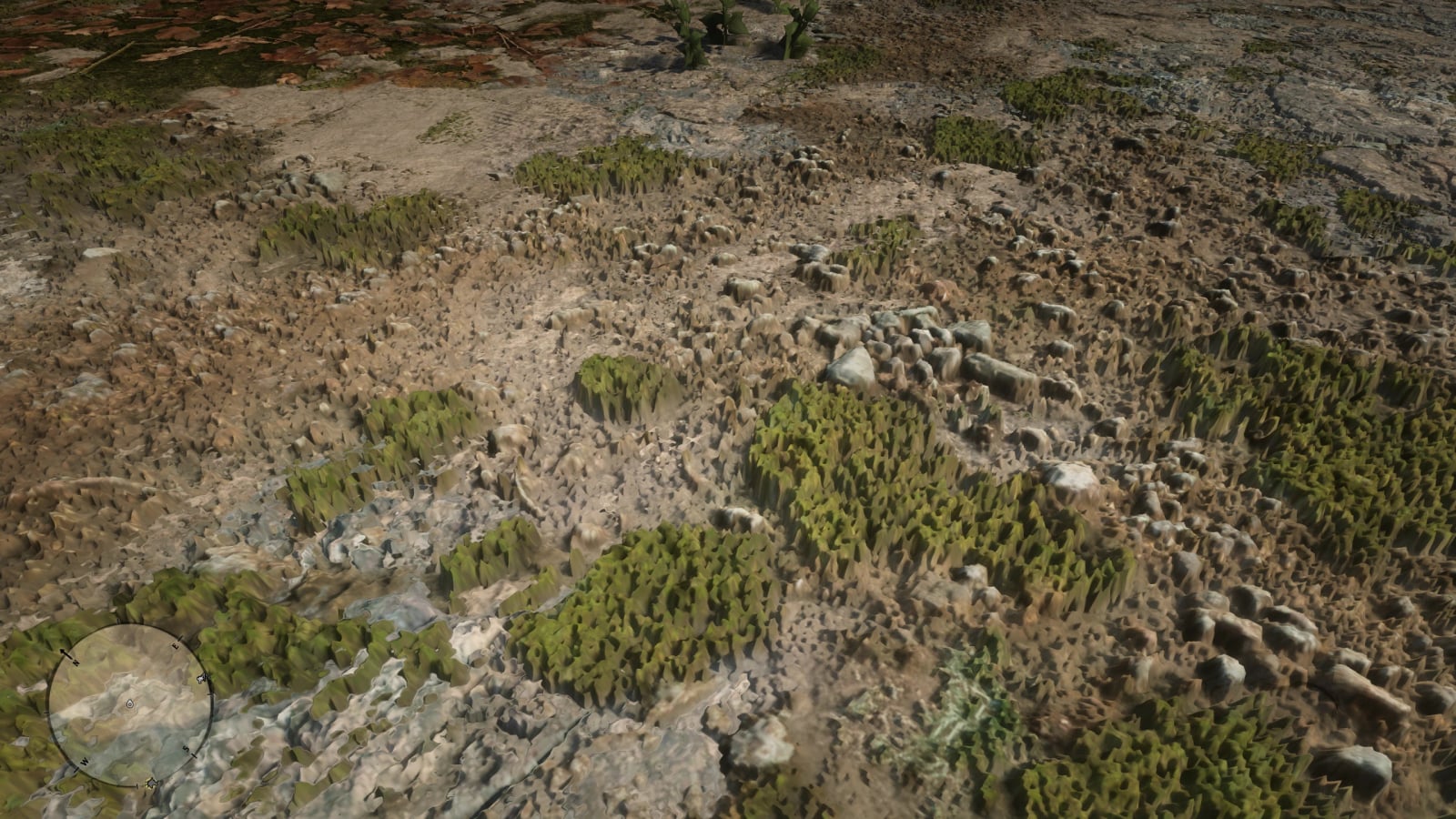
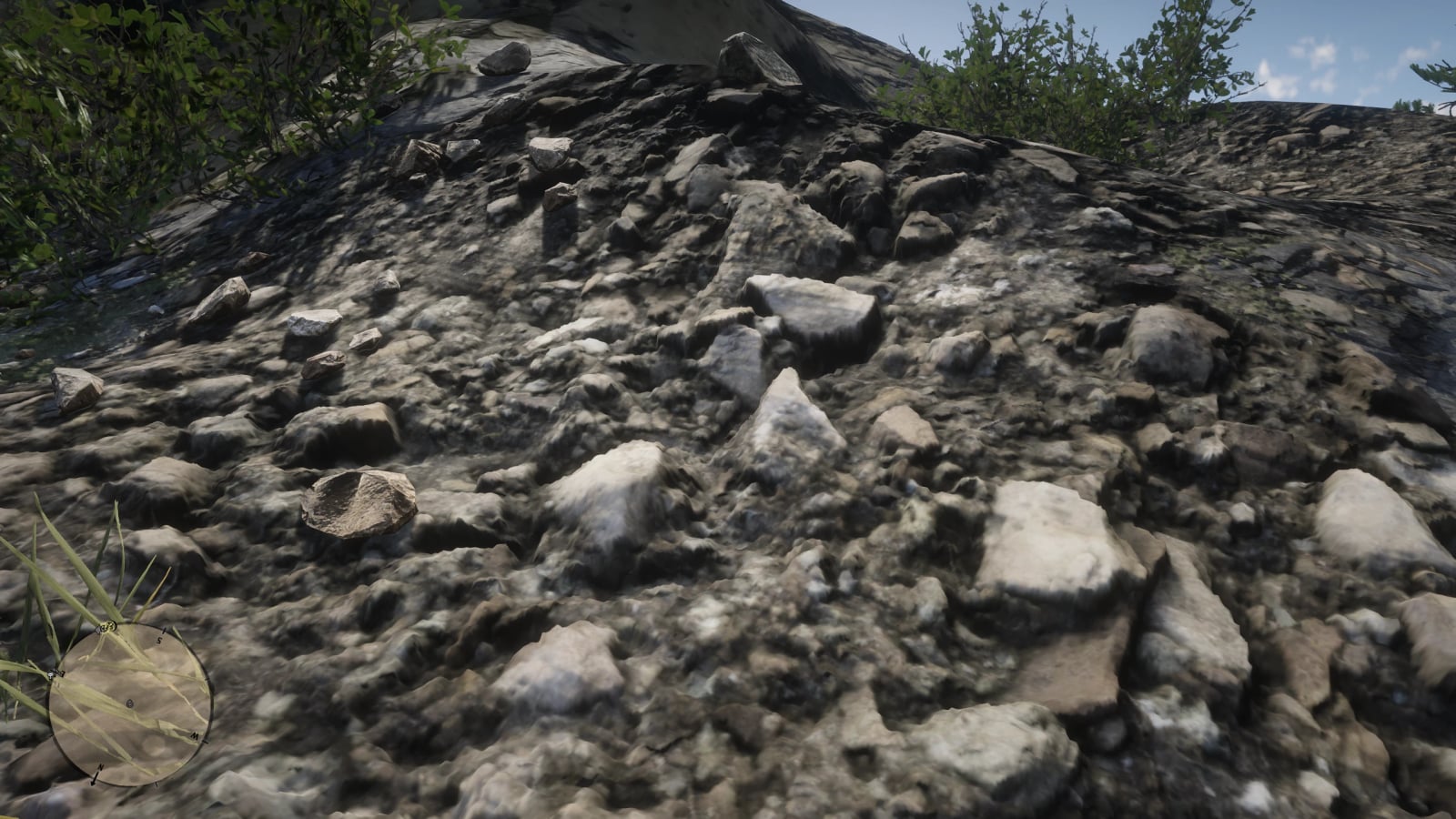
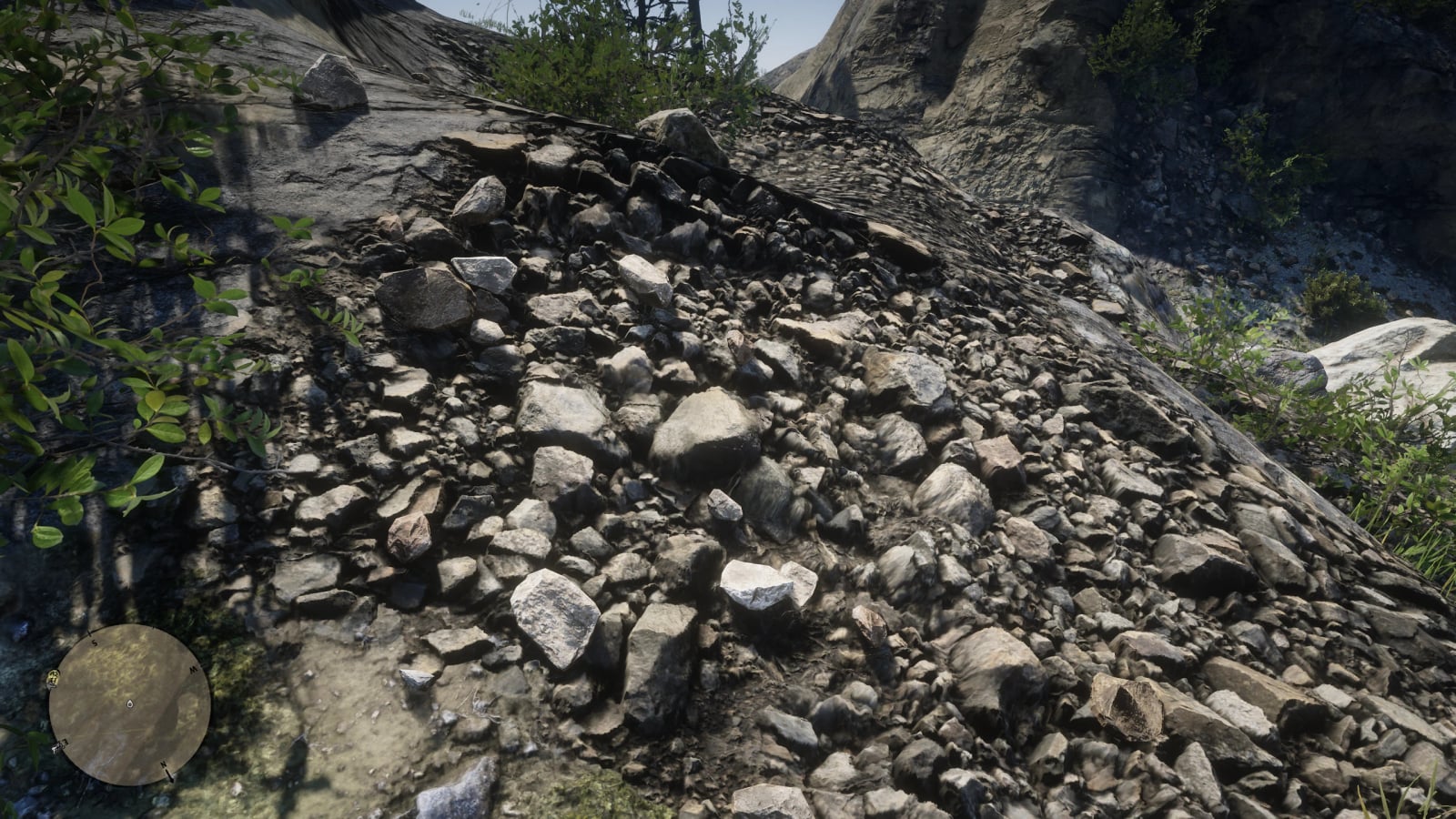
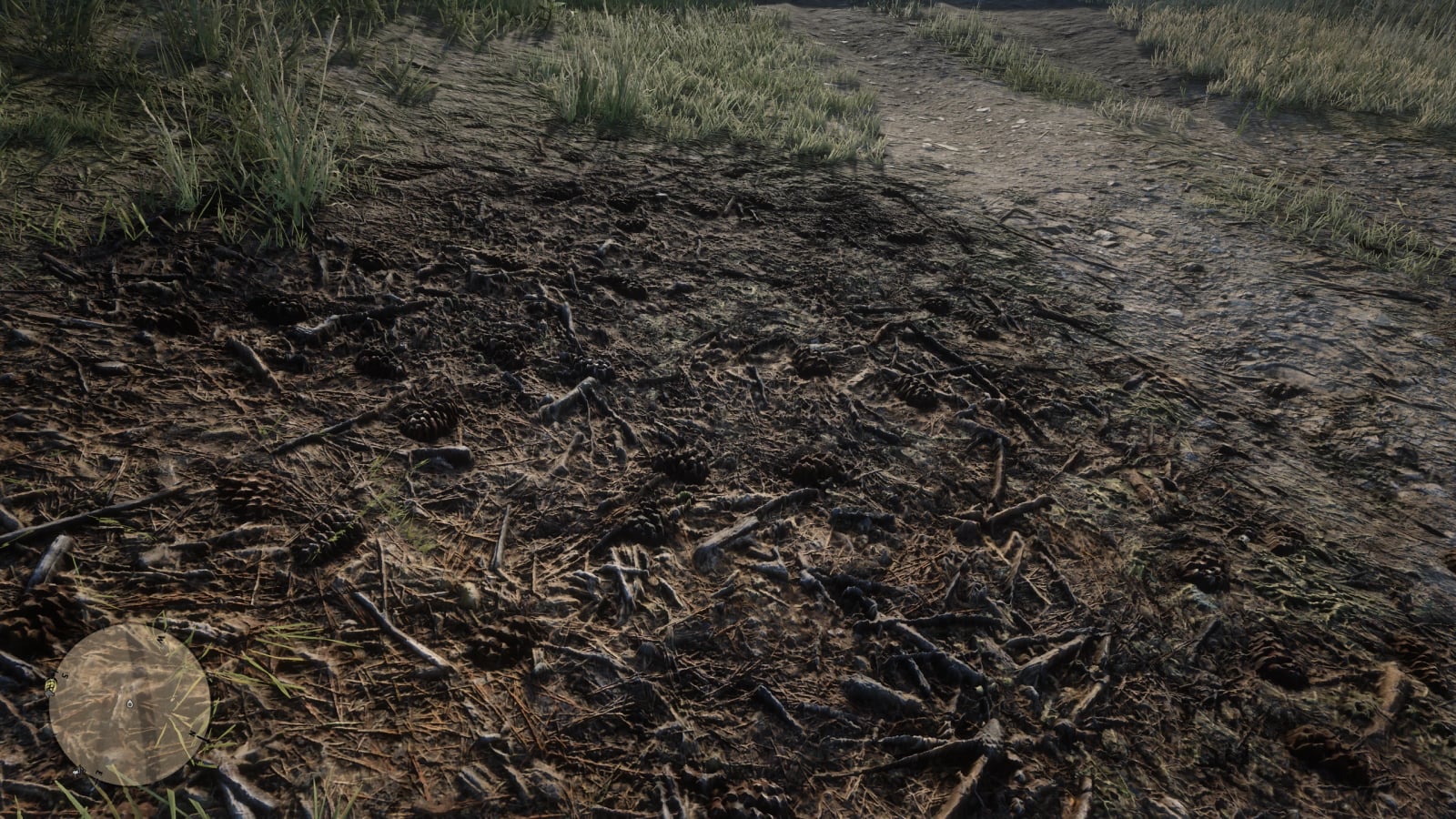
A shader-level workaround that significantly reduces terrain parallax blurring caused by TAA and DLSS/FSR, improving surface clarity and depth while preserving the original displacement effects. Red Dead Redemption 2’s TAA and DLSS/FSR cause excessive blurring on terrain surfaces using Parallax Occlusion Mapping (POM), hiding much of their depth and fine detail.
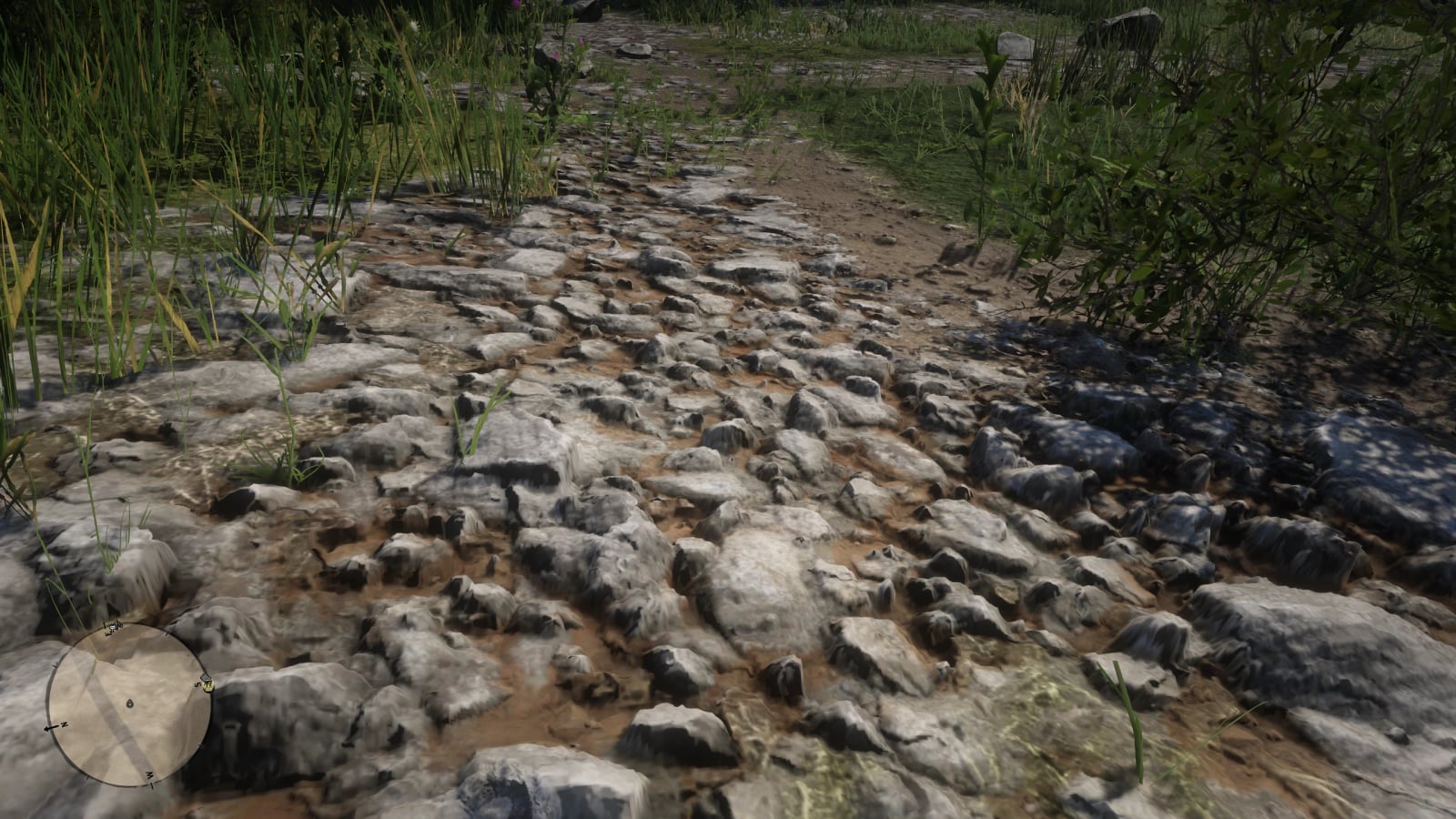
Terrain Parallax Unblurred (TPU) reduces this blur without modifying textures, resulting in sharper and more defined terrain parallax. It only changes Parallax Terrain Shaders, including Saint Denis.
Features
- Reduced POM Blur: Much sharper terrain parallax under TAA and DLSS/FSR.
- Improved Ray Marching: Increases ray-marching steps to 5× the original amount. Vanilla uses an unusually low step count, which can cause visible stepping and snapping, especially when the blur is reduced.
- Reduced Dynamic Jitter: Uses 50% dynamic jitter for a better balance between clarity and visual stability.
- Preserved Depth & Shadows: Maintains the original parallax depth and restores missing self-shadowing with much better definition.
- Shader-Only Changes: No texture or material modifications required.
Specifications
- Ray-marching steps: 5× the original amount
- Dynamic jitter: 50%
- Observed performance cost: around 4%
Terrain Textures Overhaul
TPU was originally developed for Terrain Textures Overhaul (TTO), allowing much stronger, vanilla-style parallax depth and blending to be brought back in future updates. Previous versions had to significantly reduce parallax depth to avoid excessive blurring, but TPU makes it possible to restore and improve upon those effects.
TTO’s 4.0 patch and future updates will require TPU.
TPU also works with vanilla textures.
Requirements
- Latest ReShade with add-on support
Compatibility
- Vulkan (Recommended): Shaders were properly disassembled, modified and reassembled. More thoroughly tested and reliable.
- DirectX 12 (Experimental): Shaders were modified directly at the byte level due to tool limitations. May have issues not present with Vulkan.
Installation
- Install ReShade with add-on support, selecting Vulkan or DX12. No need to download any effects or other addons.
- Extract the mod into your RDR2 game directory, making sure both the
ShaderReplaceadd-on andShaderReplacefolder are placed in the main directory.
Verifying installation
ShaderReplace should load automatically. You can verify this in ReShade’s Add-ons tab or check ShaderReplace.log in the game directory for successfully replaced shaders.
Some shaders may only load when visiting certain areas.
Known limitations
This is still a workaround rather than a complete fix. Minor visual artifacts may remain, and some terrain shaders may still be missing. Additional shaders may be added in future updates.
The increased ray-marching steps may have a performance impact. The observed performance cost was around 4%, though this will vary depending on hardware and the amount of parallax terrain visible.