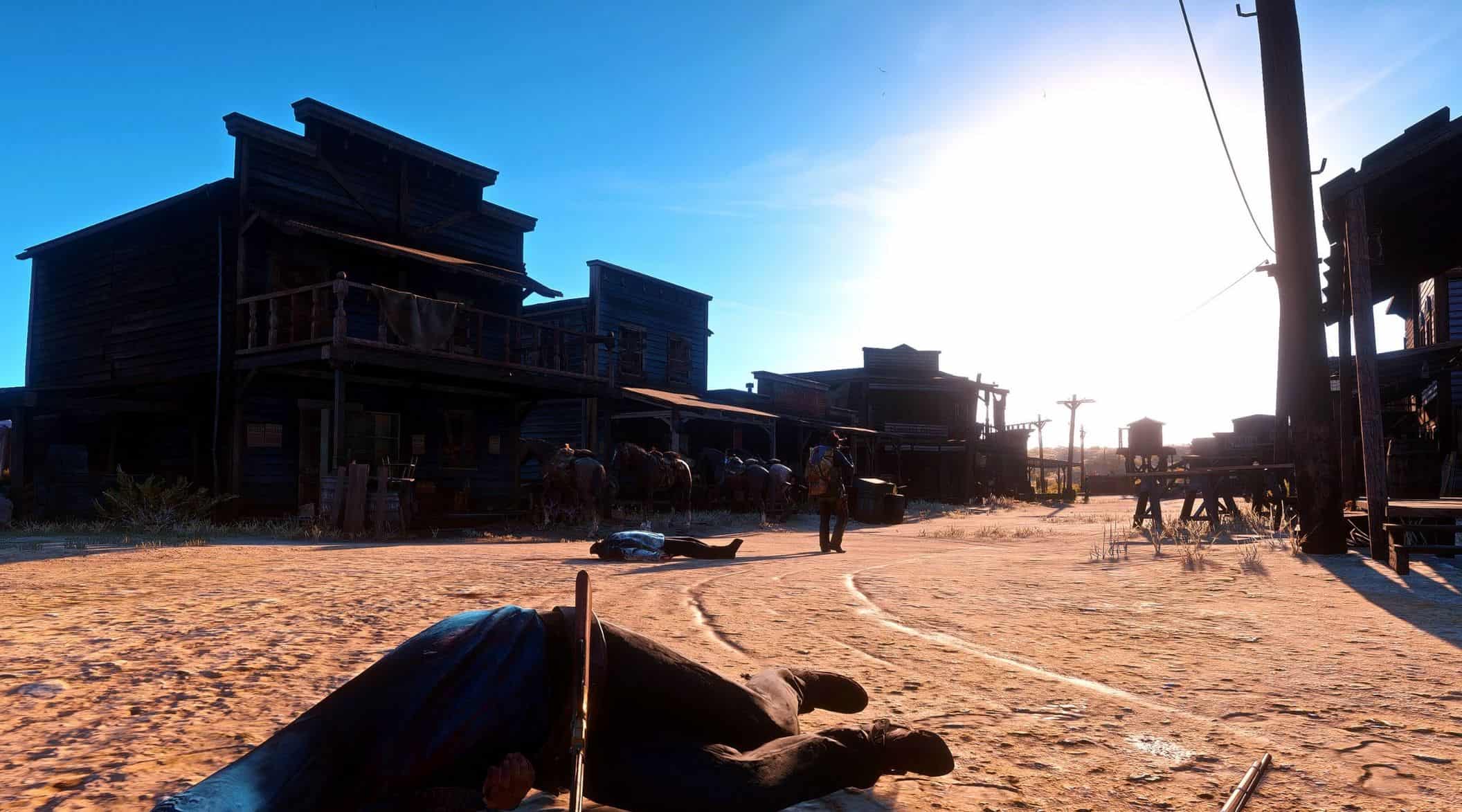
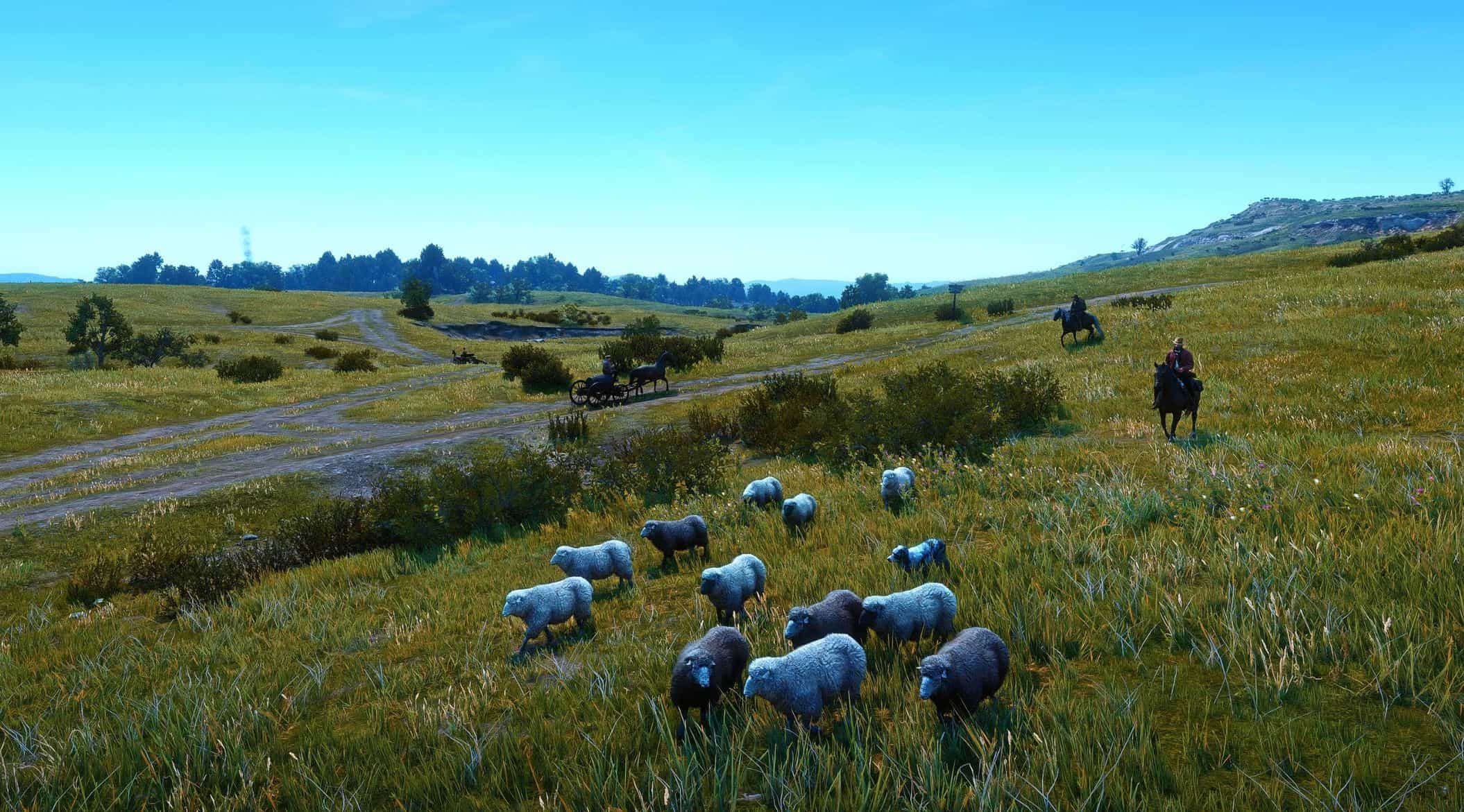
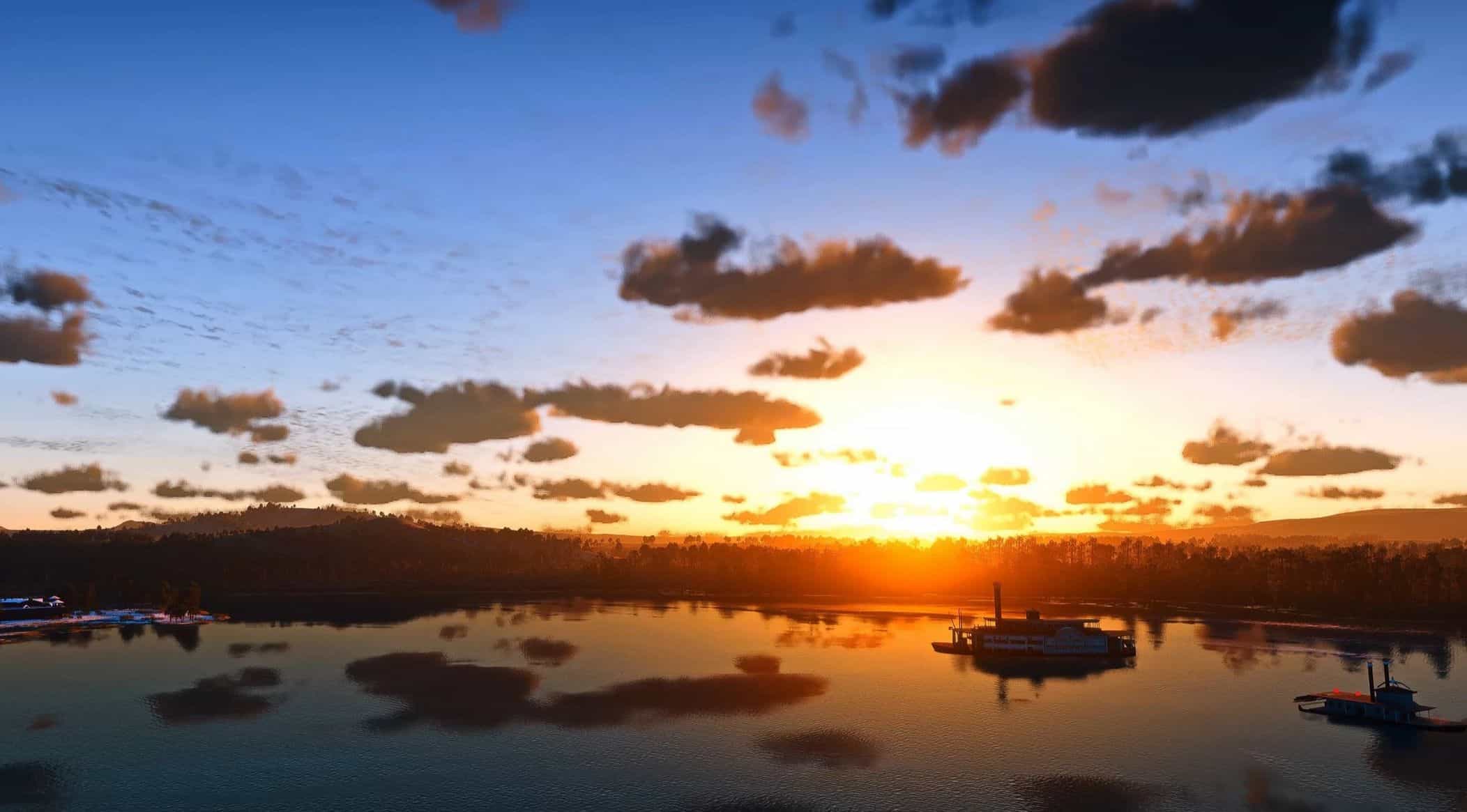
COYOTE RESHADE RDR2 v1.0

Red Dead Redemption 2 |

COYOTE RESHADE RDR2 v1.0

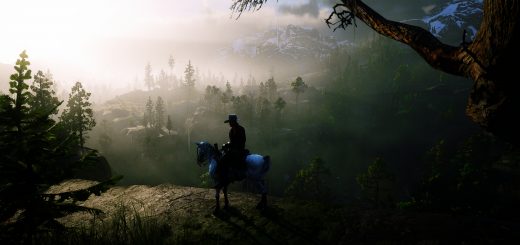
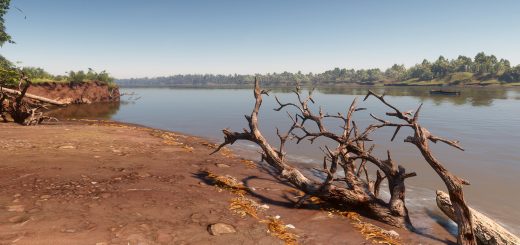
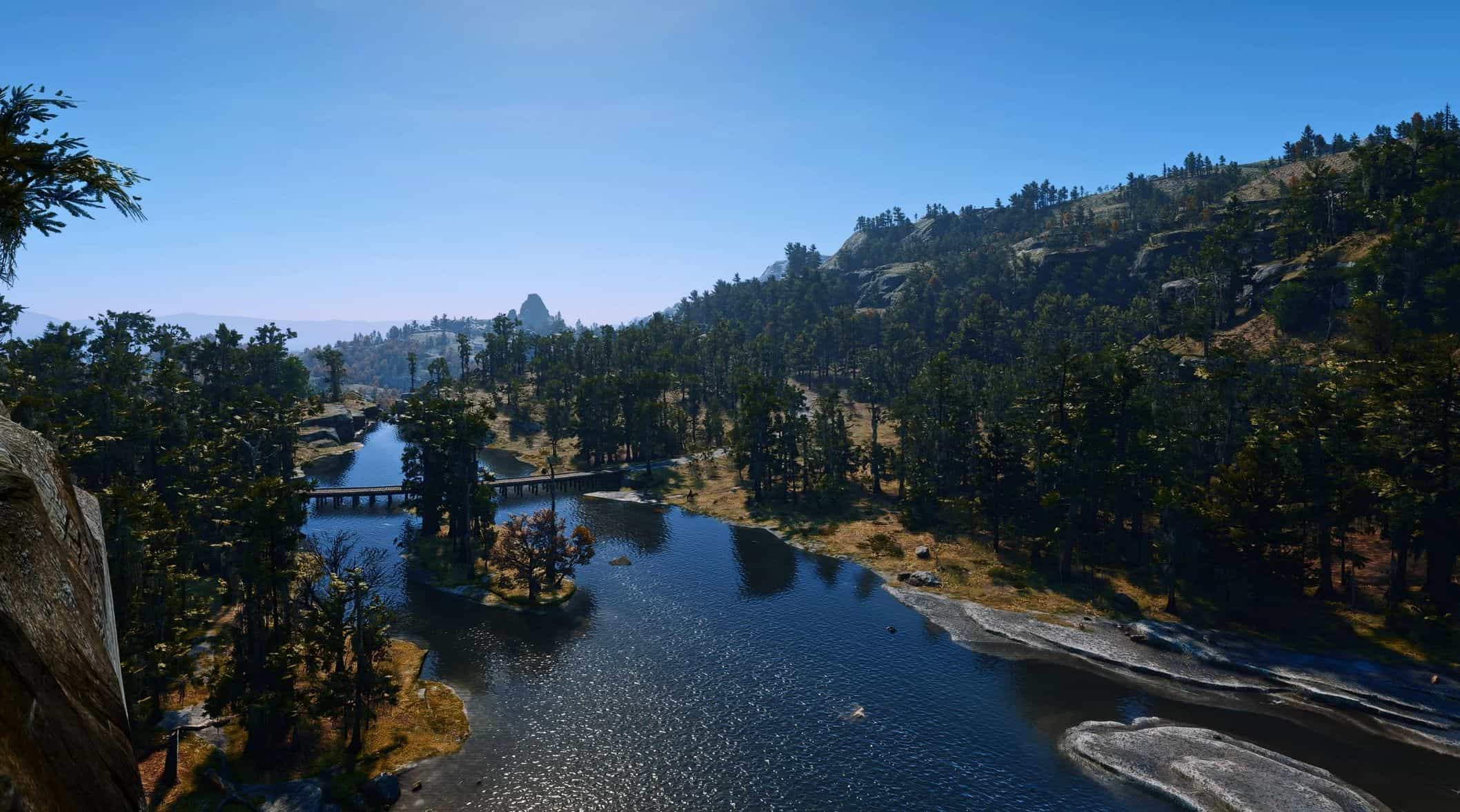
After trying various Reshade options, I arrived at this state. It all comes down to subtraction.

Installation Instructions
1. Download Reshade 2. After downloading, save this preset file in the RDR2 folder (in the folder where RDR2.exe is located). 3. Launch Reshade, select RDR2, and select the preset file saved in step 2. …Finished

*There is no “reshade-shaders” folder.

I would like to continue experimenting and making fine adjustments to improve the quality of the scenery in this game.


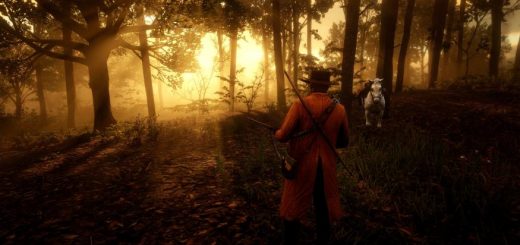
Credits: c0y0te0811
This content was uploaded by website visitors. If you notice any mistake, please let us know.

These mods let fans make their game feel even more special, bringing unseen features to the beloved Western-themed action game. Upgraded Red Dead Redemption 2 with "COYOTE RESHADE RDR2 v1.0 Mod", the game can become even more fascinating, so don’t miss the chance. It’s now or never, so step forward right now!


Useful Information: How to install Red Dead Redemption 2 Mods | How to Create Red Dead Redemption 2 Mods | About Red Dead Redemption 2 Game | Download Red Dead Redemption 2 Game | Red Dead Redemption 2 Release Date | Red Dead Redemption 2 System Requirement

You may also like...

Leave a Reply

Your email address will not be published. Required fields are marked *