CLEAN – Mod Remover v1.0
Removes any files in the RDR2 installation folder that are not vanilla. Has been tested for Steam version of RDR2 to remove residue files from Lenny’s Mod Loader – use at your own risk.
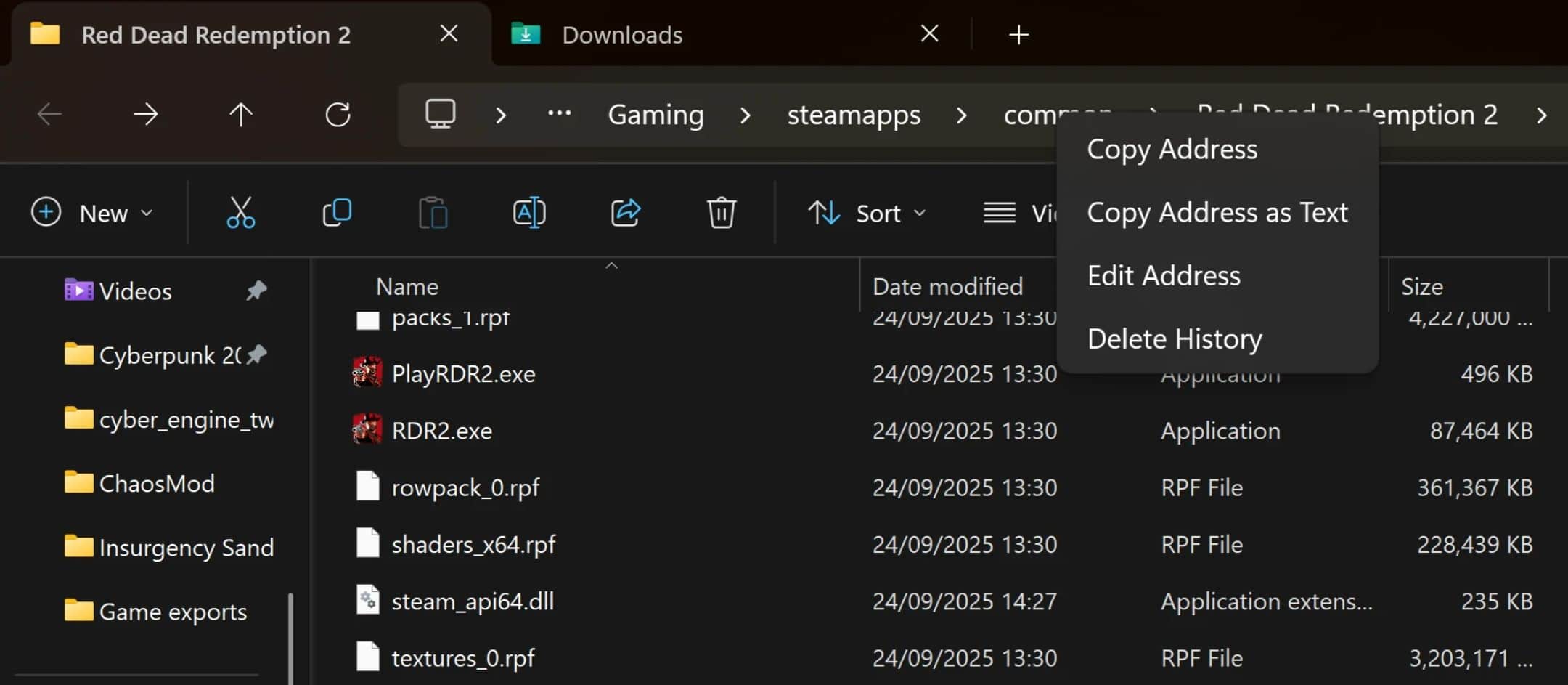
A simple one-click tool to remove mod files from your Red Dead Redemption 2 installation. Your RDR2 folder structure should look something like this:
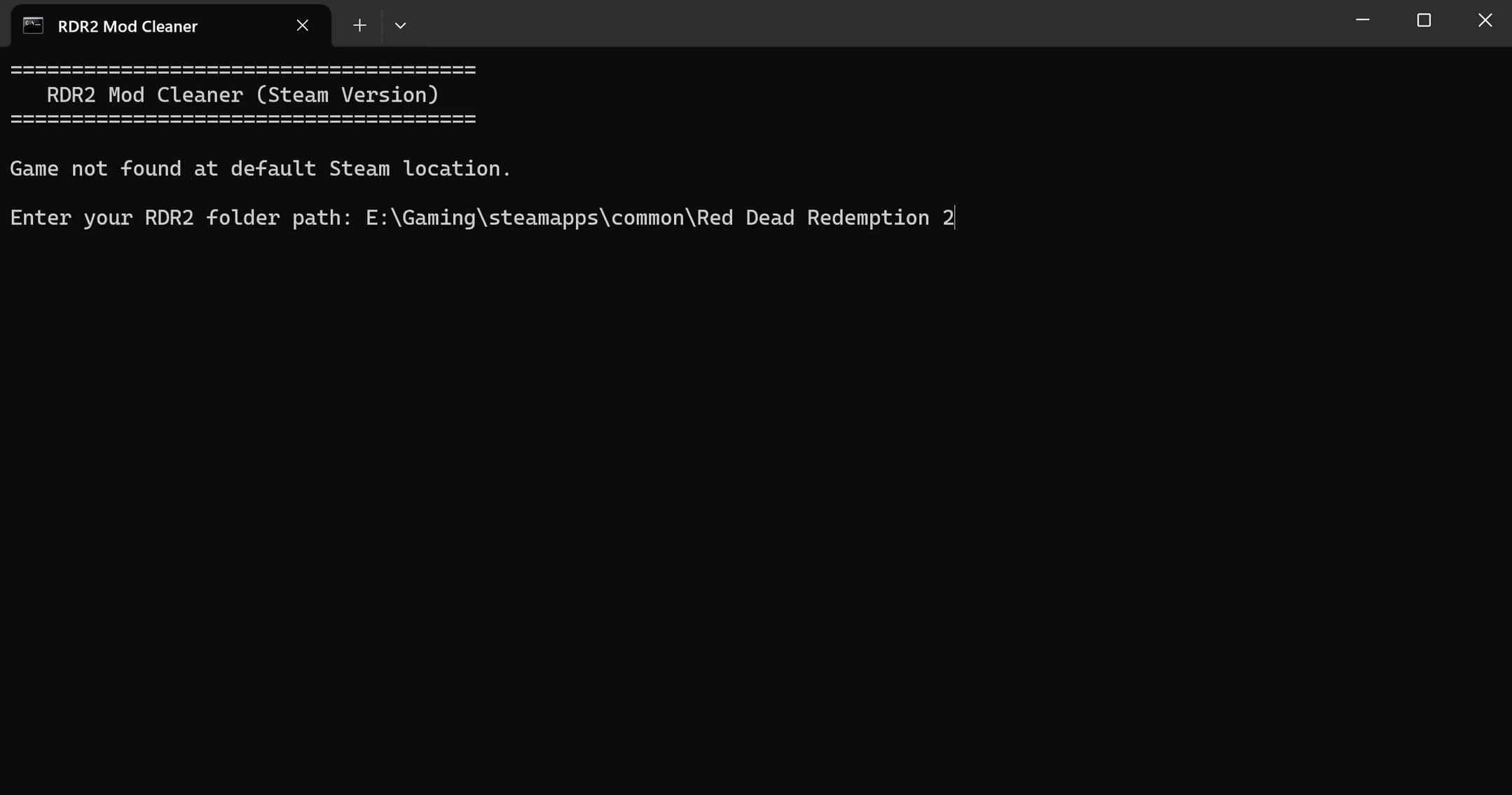
E:\Gaming\steamapps\common\Red Dead Redemption 2
Why Use This?
– Quickly clean your game folder before going online
– Start fresh before installing new mods
– Fix issues caused by leftover mod files
– No installation required – just run and done
Features
– Safe – Shows you everything before deleting, requires confirmation
– Smart – Only targets known mod files, never touches vanilla game files
– Simple – Double-click to run, no PowerShell or admin rights needed
– Portable – Single .bat file, no installation
What It Removes
FILES:
– ✗ dinput8.dll (Script Hook loader)
– ✗ ScriptHookRDR2.dll
– ✗ version.dll / dsound.dll (ASI loaders)
– ✗ All .asi files
– ✗ Mod log files
FOLDERS:
– ✗ lml/ (Lenny’s Mod Loader)
– ✗ mods/
– ✗ scripts/
– ✗ trainers/
– ✗ plugins/
– ✗ ModManager/
– ✗ RampageFiles/
What It Keeps
All vanilla game files remain untouched:
– RDR2.exe, PlayRDR2.exe
– All .rpf archives
– All Rockstar/Steam files
How To Use
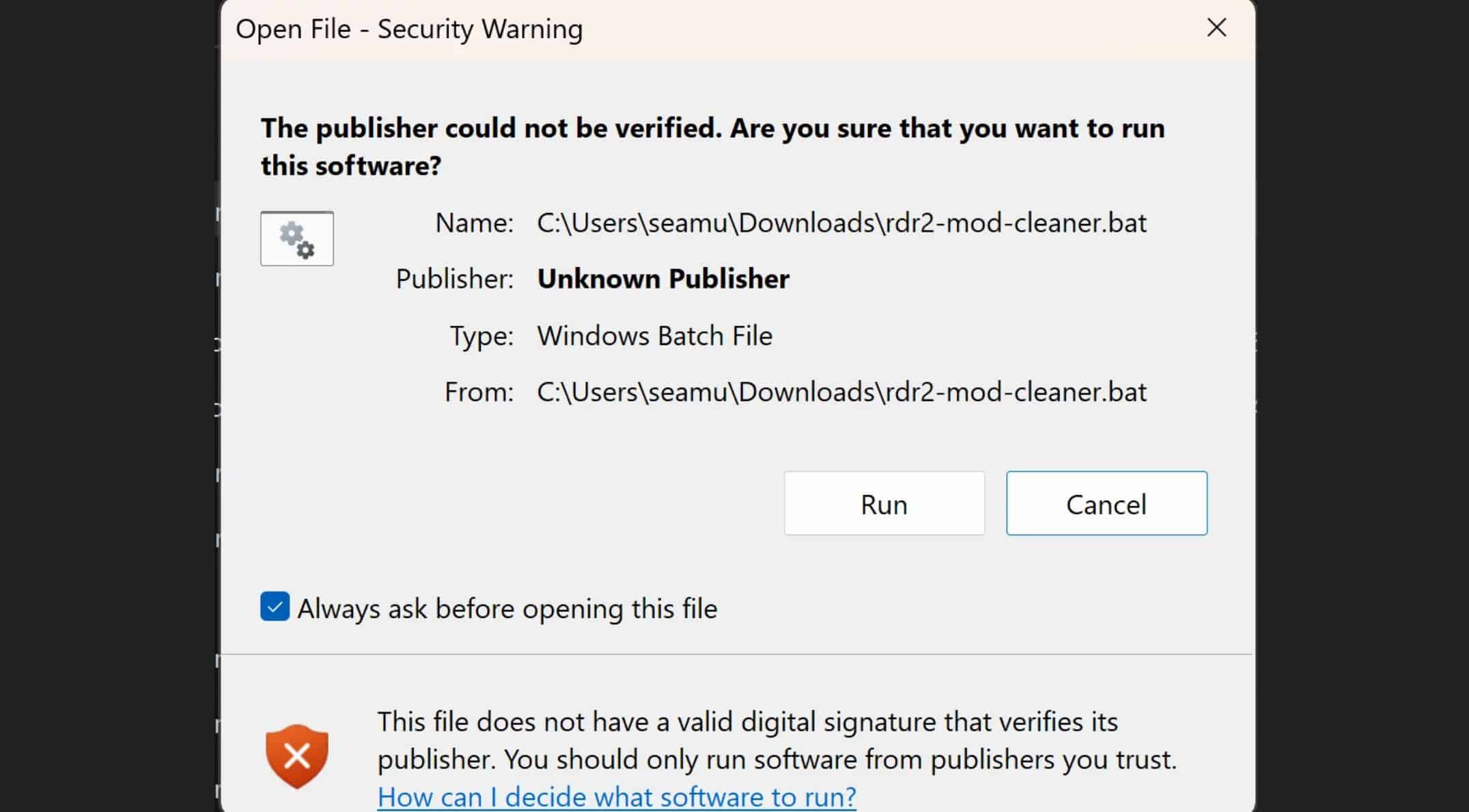
– Download the .bat file
– Double-click to run
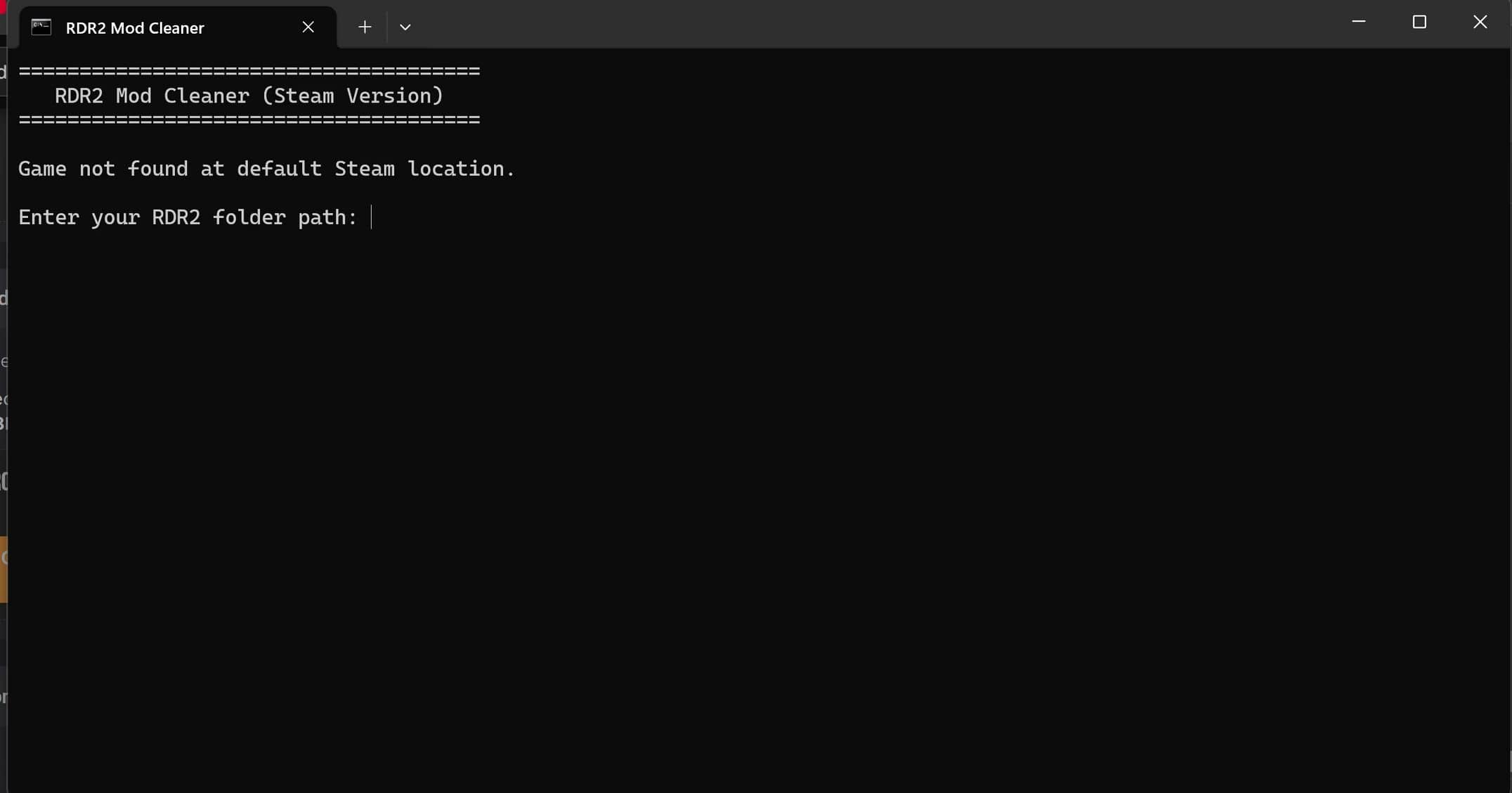
– Enter your game path if it’s not in the default Steam location
– Review the detected mod files
– Type YES to confirm, or anything else to cancel
After Running
If any mods replaced vanilla files, verify your game files through Steam:
Steam > Library > RDR2 > Properties > Local Files > Verify Integrity of Game Files
Requirements
– Windows
– Steam version of RDR2
Troubleshooting
– “File in use” errors: Make sure RDR2 is completely closed, then try again.
– Script won’t run: Try right-click > Run as Administrator.
Free to use and modify. No warranty, made with AI – use at your own risk.