Lenny’s Mod Loader RDR 0.6.8470.31280
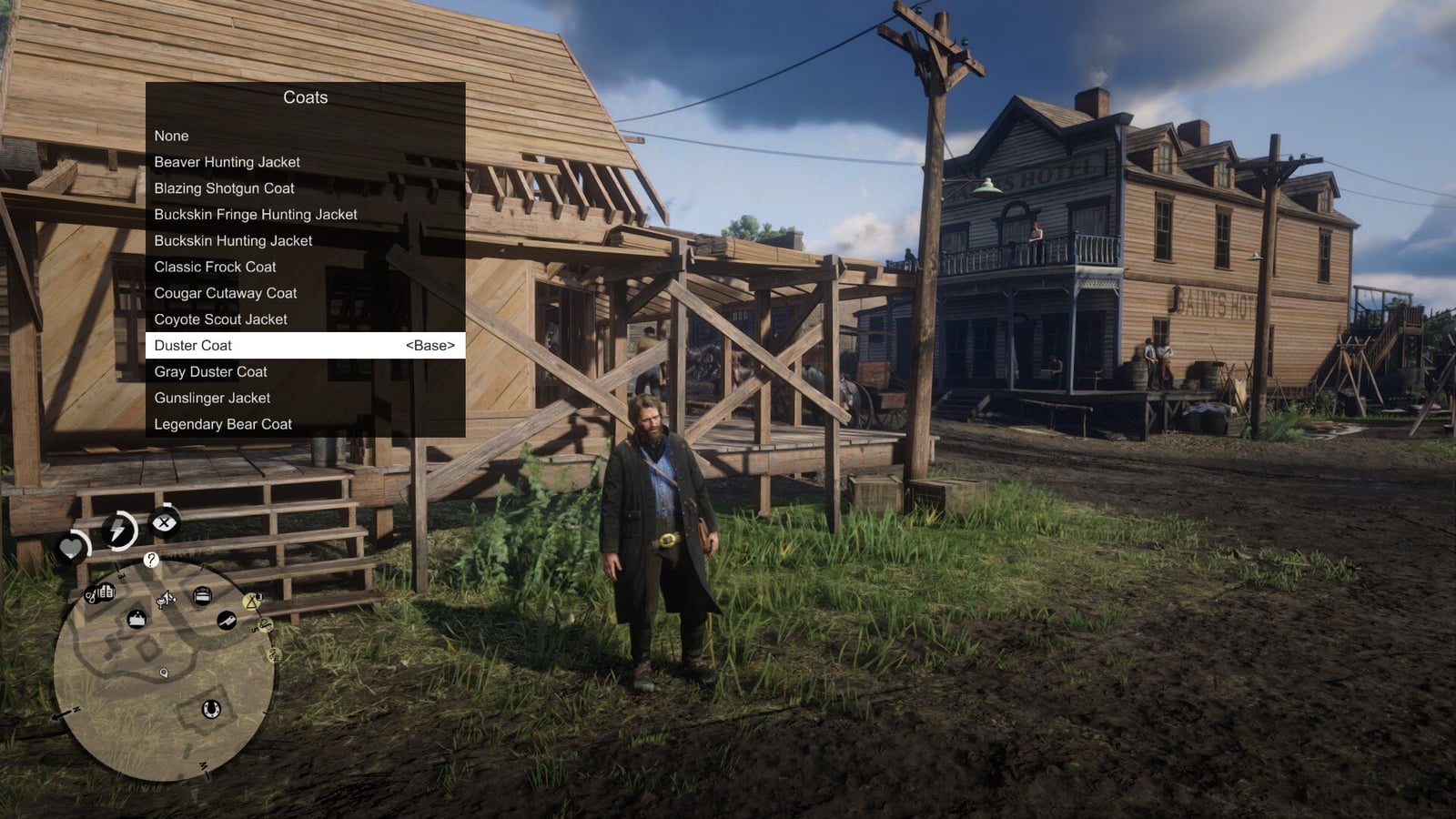
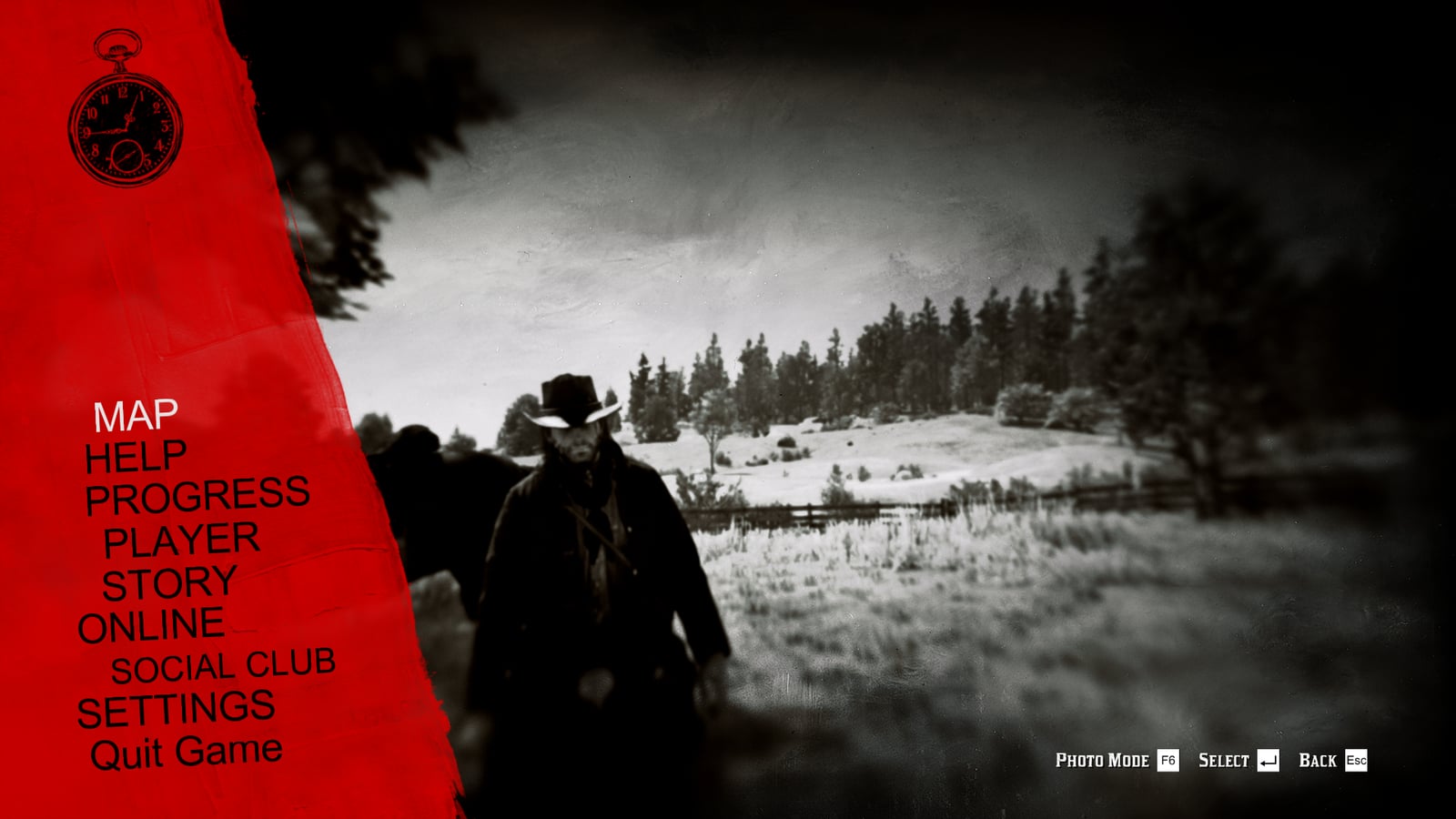
Lenny’s Mod Loader provides a way to modify Red Dead Redemption 2 by replacing game files, including streaming files such as models, data files and font files. It also includes full UI support akin to the GTA V version.
Features
- Replace any file in the game, including streaming files, data files and font files.
- Full UI support akin to the GTA V version.
- Data file merge support for files such as assets_* or metapeds.
- Custom manifest file support for peds and maps.
- Override files used very early during game load.
- Override the _manifest.ymf and _cache.ych files found in RPFs.
- Replace hashed files, including ymaps and other file types.
- Load PSO files, such as ymap, as text files from the streaming folder.
- Load data files that are forced to be loaded as PSO by the game as text files, such as cameras.ymt or the archetype definitions.
- Experimental ymap and ytyp support.
- Bk2 support.
- Ymt file editing support, including files containing unknown hashes.
- Install.xml support for separating mods into folders without nested folder structures.
- Logging and folder settings through
lml.ini.
Installation
- Copy all files from
ModLoaderinto your RDR 2 game root folder so that files such asvfs.asiare in the same folder as yourRDR2.exe. - The
Mod Managerfolder can be anywhere and does not need to be inside the game folder. - New mods go into the
lmlfolder, or use the button “Download with Mod Manager” on the mod website if it is supported. See the installation video for an example.
Settings
A settings file has been added that is to be placed in the game’s root folder and called lml.ini. It is mostly geared towards developers and allows for more verbose logging output, or less, making it easier to identify files you want to replace.
If you set the log level to 0 you can see most of the game’s requests to load files and it should be much easier to correctly identify the path you want to replace. Many files are only loaded via hash and not via their name.
You can also choose to disable the streaming and replace folders if you do not use them for added performance.
Ymt editing
To replace a file, export the ymt to xml with OpenIV and then either use replacement via install.xml or the replace folder to replace the original file. Since you are replacing the ymt file, make sure that your file also has the ymt extension even though it contains xml. For the replace folder method you also need to match the file name.
You can edit the file in plaintext and the game will treat it as a ymt with all names fixed up when loading. See the included examples for more information.
If you find a file where it is not properly fixed up by LML, for instance when exporting the file directly from OpenIV without any changes breaks the game, report it. The only file known to currently cause problems is weapons.ymt, but this is not due to LML. It is caused by an export bug in OpenIV which cuts off certain weapon flags.
The High-Roller revolver example has these flags manually restored and hence works fine, but this is not the case when exported directly from OpenIV. Until the export problem is fixed, manually inspect the ymt, gather the flags and restore them manually in the xml for weapons if you plan to use them. This requires advanced knowledge of game structures.
Examples
The download comes with extensive examples courtesy of @Modifiver that modify various aspects of the game. They are included in the examples folder and can be copied to the lml folder to try them.
Two simple ymap and ytyp examples are included. The ymap example moves some of the blue barrels around Valentine, behind the saloon, via a different ymap. The ytyp example makes the lights inside the Saloon much brighter, thanks to Modifiver.
For ymap modifications, if you unload the imap via script and modify the file on disk, the changes will be applied on reload, so there is no need to restart the game.
Upgrading
This version introduces install.xml files to instruct LML on how to load your mods. Mods can be separated into folders and no longer require nested folder structures.
You can still use the replace and stream folders under your lml folder. The Mod Manager UI will only pick up mods that use the new install.xml system, so it is recommended to convert your mods to the new system. Only mods using install.xml support Download with Mod Manager.
Verifying replacement
If you feel that your file is not being replaced properly, check the log file for an entry related to it. The path may not be correct. Search for “replaced” for files in replace and “adding” for files in stream.
Stream folder
The stream folder loads streaming files into the game when the game is loading. Model or texture files, for instance, can be placed there to replace existing assets in the game.
If you do not know the name of an asset but only its hash, name it 0xhash.ext, for example 0x9E54B506.ytd for w_melee_machete01+hi.ytd, and it will still be recognized and replace the asset correctly.
This is a convenient way to quickly replace streaming files because you only need to know their name, not where they are located in the game files.
Replace folder
The replace folder creates a virtual mapping of the entire game file structure and allows you to replace any game file when you know its full location. This is similar to the paths shown in OpenIV when navigating RPFs, but not exactly the same.
To change the dispatch.meta file, modify the one in update.rpf, as the one in common.rpf is superseded by that. Create the following structure: replaceupdatecommondatadispatch.meta. This is the path used in OpenIV without the .rpf ending for update. Whenever the game wants to access this file, it will load yours instead.
To replace the font file font_lib_efigs.gfx in scaleform_frontend.rpf, create the following structure: replaceupdatex64patchdatacdimagesscaleform_frontendfont_lib_efigs.gfx.
File paths do not always match their RPF names. For example, player_zero_coat_001_open.ydd is present in both packs_1.rpf, the original, and dlc.rpf, from patchpack001, an update to the file. The full path to this file is replacedlc_patchPack001x64packsbasemodelscomponent_modelsplayer_zero_coat_001_open.ydd.
This does not match the file path directly because the game maps some files differently. When you open the dlc.rpf in patchpack001 and its setup2.xml, the device name is dlc_patchPack001, which is the root of all files inside this archive. The path therefore starts at dlc_patchPack001 and follows the RPF structure until it arrives at replacedlc_patchPack001x64packsbasemodelscomponent_modelsplayer_zero_coat_001_open.ydd.
Bk2 files
Bink files were technically already supported in previous versions but caused some problems. In the current version they behave differently because they need to have two ‘.’ in their file name, as the extension ‘.bk2’ is part of the actual file name.
Name the file movie.bk2.bk2 to make sure it gets replaced correctly. An example replacement path is replacemovies_0moviesfilename.bk2.bk2.
Changelog
Beta 11 Data file merge and manifest support
- Support for overriding files used very early during game load has been improved significantly.
- Mods that worked well previously may no longer function correctly.
- It was not possible in previous versions to override the skydome textures to change the moon.
- Data file loading allows you to separate changes to certain files, such as assets_* or metapeds, into individual files so that you no longer have to modify the existing one, effectively merging them.
- This only works for files where the internal game parser supports additions, so no catalog, for instance.
- Custom manifest files for peds and maps are supported.
- Ped support has been tested extensively, but map support will only really become useful once CodeX can generate these files for you.
- An example for these features is provided in the download courtesy of BHmaster.
Beta 9
- This is a maintenance update that fixes the random DRM integrity crashes.
- Caching was added for collection calls that rely on read-only data, so LML should be less demanding.
Beta 8
- Override the _manifest.ymf and _cache.ych files found in RPFs.
- Support for replacing hashed files now includes ymaps among other file types.
- The streaming folder now loads pso files, such as ymap, as text files.
- Most data files that are forced to be loaded as pso by the game have been patched to support being loaded as text files, such as cameras.ymt or the archetype definitions.
- Due to heavy refactoring to improve startup performance, previous builds are still made available.
Ymap & Ytyp support, beta 7
- Experimental support for ymap and ytyp was introduced.
- Two simple examples move some of the blue barrels around Valentine and make the lights inside the Saloon much brighter.
Bk2 support, beta 7
- Bink files were technically already supported in previous versions but caused some problems.
- Bk2 files need to have two ‘.’ in their file name because the extension ‘.bk2’ is part of the actual file name.
Settings file, beta 7
- A settings file called
lml.iniwas added for the game’s root folder. - The file allows more verbose logging output, or less, and can disable the streaming and replace folders.
Ymt support, beta 5
- Support for ymt file editing was added even if the source file contains unknown hashes.
- The file can be exported to xml with OpenIV and replaced through
install.xmlor thereplacefolder.
Version 0.6.8470.31280
- Add manifest loading support, thanks to BHmaster for testing.
- Add data file loading support, thanks to BHmaster for testing.
- Improve overriding of files at game startup, thanks to VideoTech for testing.
- You only need to replace
vfs.asiwhen upgrading.